Open a q8080 register account in two minutes
Four fields, no deposit, no paperwork at this stage. Use the mobile number you already keep with bKash or Nagad, choose a password you use nowhere else, and the account is open before your tea goes cold.
- SSL Encryption
- 24/7 Live Chat
- Mobile Number Login
- bKash & Nagad
18+ · Play Responsibly
Your first day on a q8080 account
The form itself is short. What follows it is where new players usually lose time, so here is the order of events with the numbers attached.
Your number becomes the account
The 11 digits you type in the form are your login, your recovery route and the place your winnings are sent. Keep that SIM in the handset while you play, because confirmation codes and withdrawal notices go there and nowhere else.
First deposit starts at ৳250
Fund the account with bKash, Nagad, Rocket, Upay or a bank transfer. Money normally lands in about 5 minutes. A first deposit of ৳250 or more is what triggers the 180% welcome offer, so it pays to send a little more than the floor.
Documents come before the first payout
Nothing is asked at sign-up. When you first request money out, send a photo of your National ID card, passport or driving licence. The review takes about 6 hours, so start it on the day you register rather than the evening you want to cash out.
Withdrawals from ৳600
The first payout usually clears within about 1 hour; later ones settle in roughly 40 minutes. On the Classic level you can take up to ৳200,000 a day, and the limit grows as your monthly turnover moves you up the VIP table.
The welcome bonus, in plain numbers
One offer matters on the day you register. The rest of the reward stack arrives later, once you are playing regularly.
What the q8080 register form asks for
Five lines, one of them optional. Getting each one right the first time avoids the most common reason a sign-up fails.
| Field | What to enter | Why it matters |
|---|---|---|
| Mobile number | 11 digits beginning with 01, taken from the SIM in your hand. No +88, no dashes, no spaces. | It becomes your username and the only number that can receive confirmation codes and payout notices. |
| Password | Eight characters or more, mixing letters and digits. Never your bKash PIN or your Facebook password. | It guards the balance. A reset still needs the registered SIM, so a stolen handset without the password is a smaller problem. |
| Confirm password | The same string typed a second time, by hand rather than pasted. | Catches a typo before the account exists. A mistyped first entry locks you out the moment you log in. |
| Referral code | A short code from a friend, if you were given one. Otherwise leave the box empty. | Records who introduced you so the ৳100 referral credit can be traced. It is optional and it is not a password. |
| Terms box | One tick, after you have opened the terms and privacy pages. | Confirms you are 18 or older and accept the account rules on duplicate accounts and bonuses. |
Nothing on this form takes money. The account opens with a zero balance and you decide when to fund it.
Four steps from form to first bet
The same four steps work in the browser and in the Android app. Only the screen layout changes.
-
01
Open the form on a stable connection
Use the form at the top of this page, or the register button in the app. Turn off any data saver before you start, because a page that reloads halfway through clears everything you have typed and sends you back to the first field.
-
02
Type the number and a fresh password
Enter the 11-digit mobile number you actually carry, then a password you have never used on another site. Write it down somewhere physical for the first week. If a friend gave you a referral code, add it now; it cannot be attached later.
-
03
Confirm the code we send by SMS
A short code arrives on that SIM. Enter it on the next screen to prove the number is yours. If nothing appears within a minute, check the handset is not filtering unknown senders, then request one more code rather than tapping repeatedly.
-
04
Fund the account and start playing
Open the cashier and send at least ৳250 from bKash, Nagad, Rocket, Upay or a bank transfer. The balance lands in about 5 minutes and the 180% bonus follows it. Pick a game from the lobby, set the stake in taka and place your first bet.
When the form will not go through
Five failures cover almost every stuck sign-up. Each one has a fix you can do yourself in a minute or two.
| What you see | Why it happens | What to do |
|---|---|---|
| Number already registered | The SIM has carried an account before, sometimes one you opened and forgot about. | Log in with the old details instead of registering twice. If the number is truly unknown to you, ask live chat to close the duplicate before you try again. |
| Password rejected | Fewer than eight characters, or a password pasted with a space on the end from a notes app. | Type both password boxes by hand and keep them visible while you check. Eight characters or more, letters and numbers, nothing copied. |
| Code never arrives | No signal, a spam filter on the handset, or one digit typed wrong in the number field. | Confirm the number on screen is correct, wait a full minute, then tap resend once. Still nothing: restart the phone and check with live chat. |
| Form clears on submit | The page reloaded, or the browser blocked the request on a weak connection. | Switch to mobile data, close extra tabs, turn off data saver and submit once. A short, stable connection matters more than speed here. |
| Deposit not in the balance | Money sent from a bKash or Nagad number that is not the one on the account. | Wait the usual 5 minutes first. If it is still missing, send the transaction ID to live chat, which traces payments at any hour of the day. |
Live chat runs all day, every day, and it is the only support channel you need. Keep your transaction IDs handy before you open it.
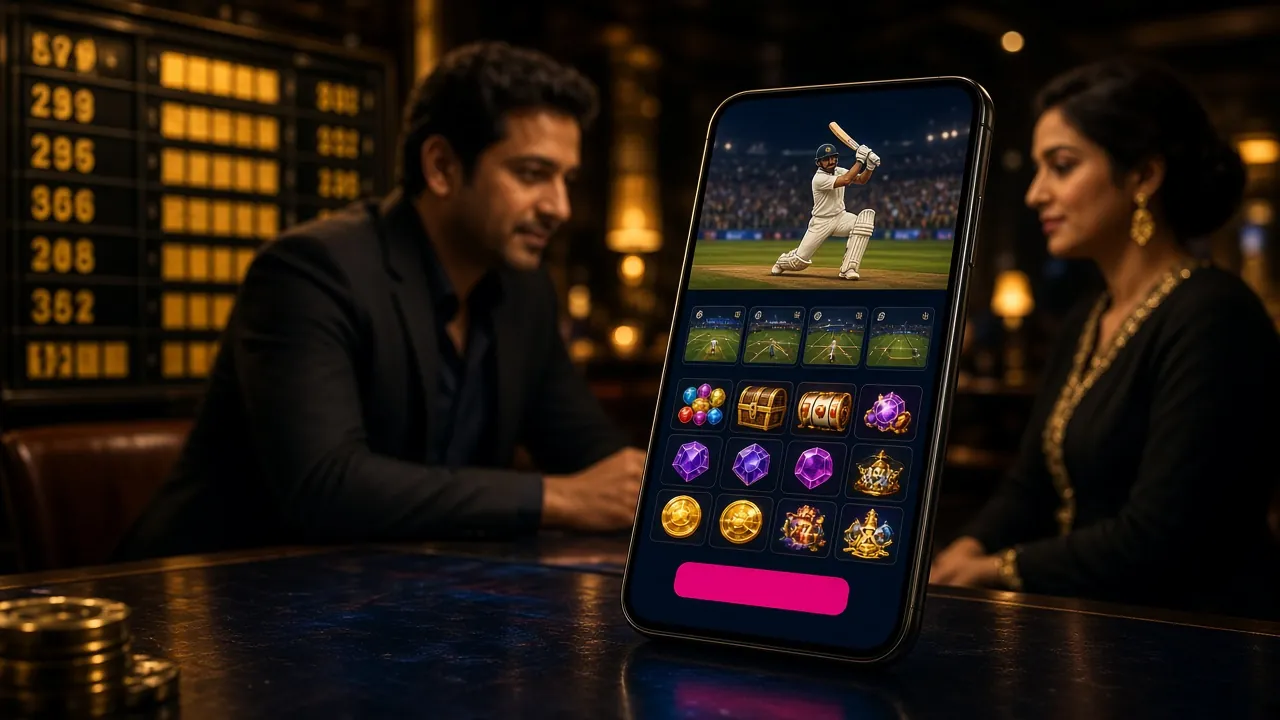
Register on the phone you already carry
The Android app is the same account, opened once and remembered on the device. Most players in Dhaka and Chattogram register in the app instead of the browser, because the cashier sits two taps from the lobby.
- Version 2.8.0, 52 MB
- Android 7.0 and newer
- Free APK, updated 2026-11-12
- 2,500 games from 5 providers
Questions before you finish signing up
Short answers to what new members ask most, taken from live chat on the register page.
01 Can I open a q8080 register account without depositing anything?
Yes. The form never asks for money, and the account opens with a zero balance. You can walk through the lobby, read the game rules and check the terms before a single taka leaves your bKash wallet. The 180% welcome offer only begins when you send your first deposit of ৳250 or more.
02 Which documents will KYC ask for, and when?
One photo ID: a National ID card, a passport or a driving licence. Nothing is requested at registration. The check belongs before your first withdrawal and takes about 6 hours, so upload on the day you register if you plan to cash out that week.
03 I forgot the password minutes after signing up. What now?
Open the q8080 login page and use the reset link with the same mobile number you registered. A code arrives by SMS and lets you set a new password. You do not need to create a second account, and doing so would only complicate the KYC check later.
04 Is the referral code compulsory?
No. If nobody gave you a code, leave the box empty and the form submits exactly as it would with one. The field exists so a friend who introduced you can be credited with the ৳100 referral bonus once you start playing. It can be added at sign-up only.
05 Can two people share one mobile number?
No. One number opens one account, because the number is the login and the payout address. Households with two players need two SIMs. Duplicate accounts on the same number get frozen during the KYC review, and balances inside them wait until the extra account is closed.
06 Does registering in the app differ from the browser?
The fields are identical: number, password, confirmation, optional code and the age box. The app simply keeps you logged in afterwards, which suits a phone you do not share. Download the free 52 MB APK from the q8080 app page and sign in with the account you just made.